
Map the cabinet
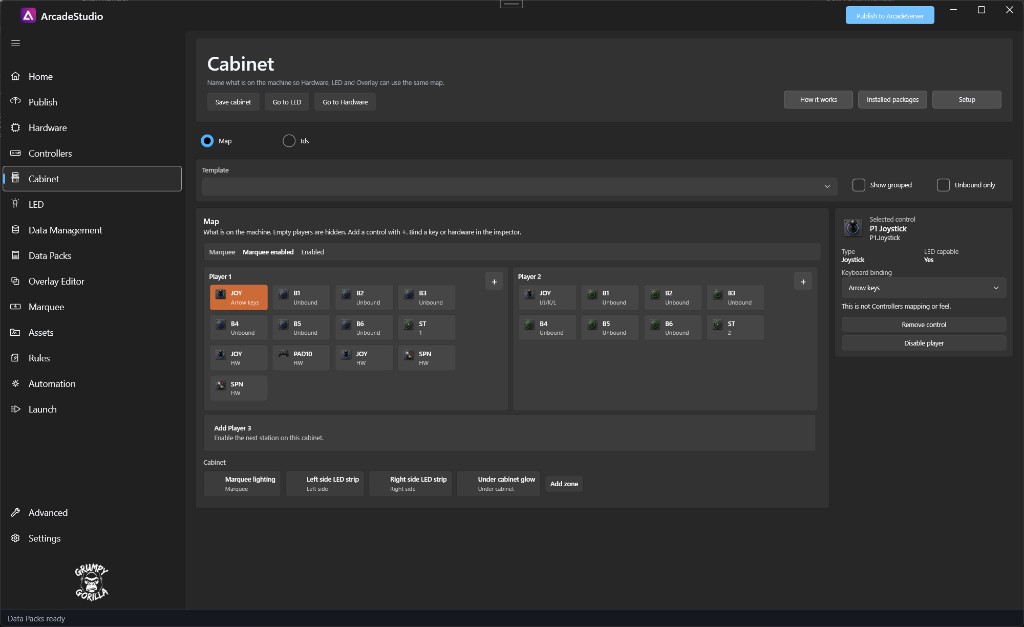
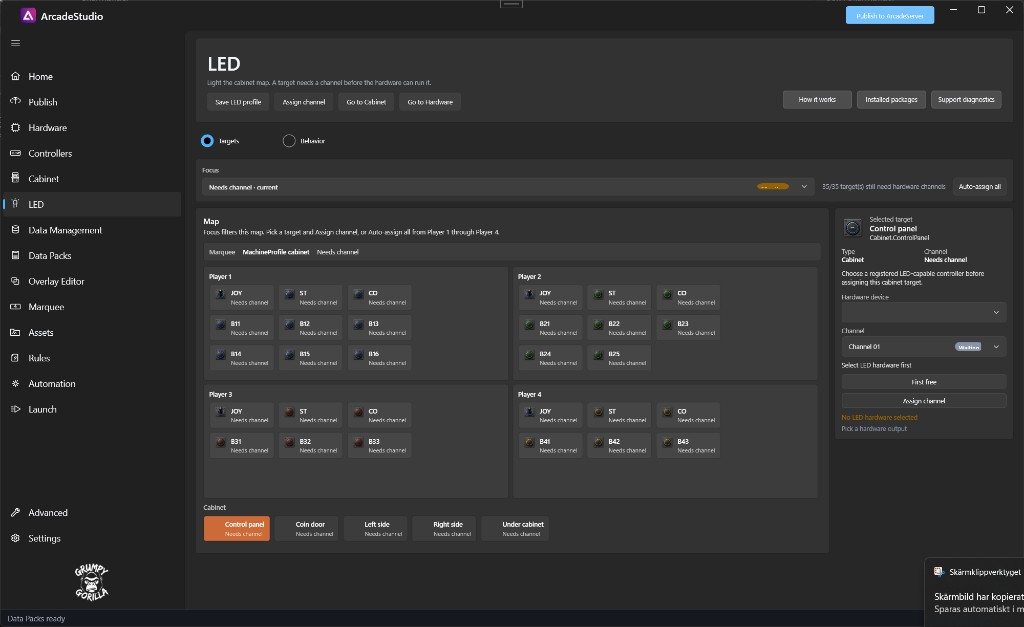
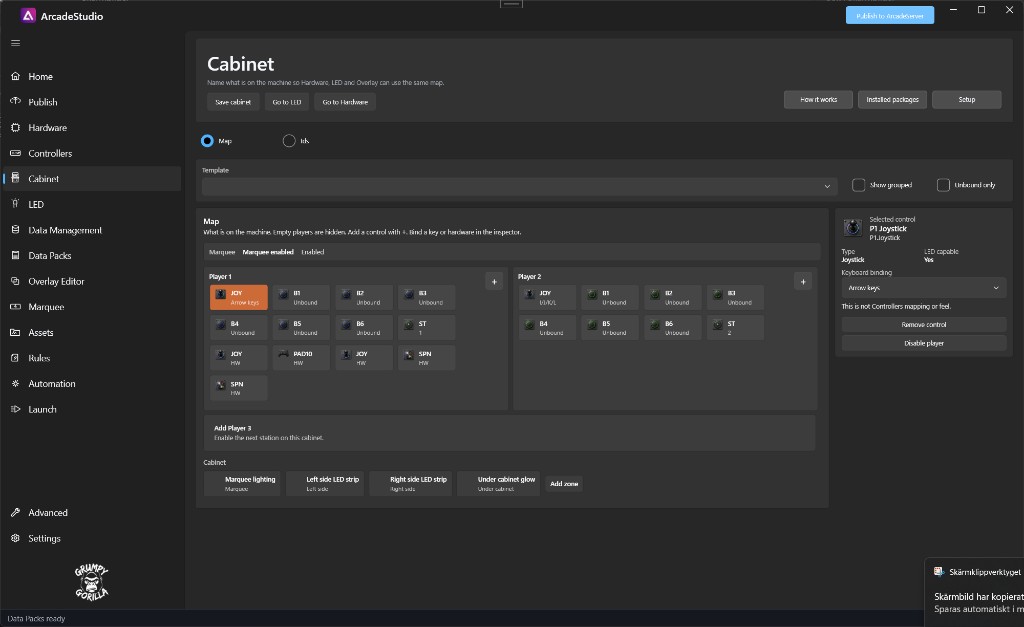
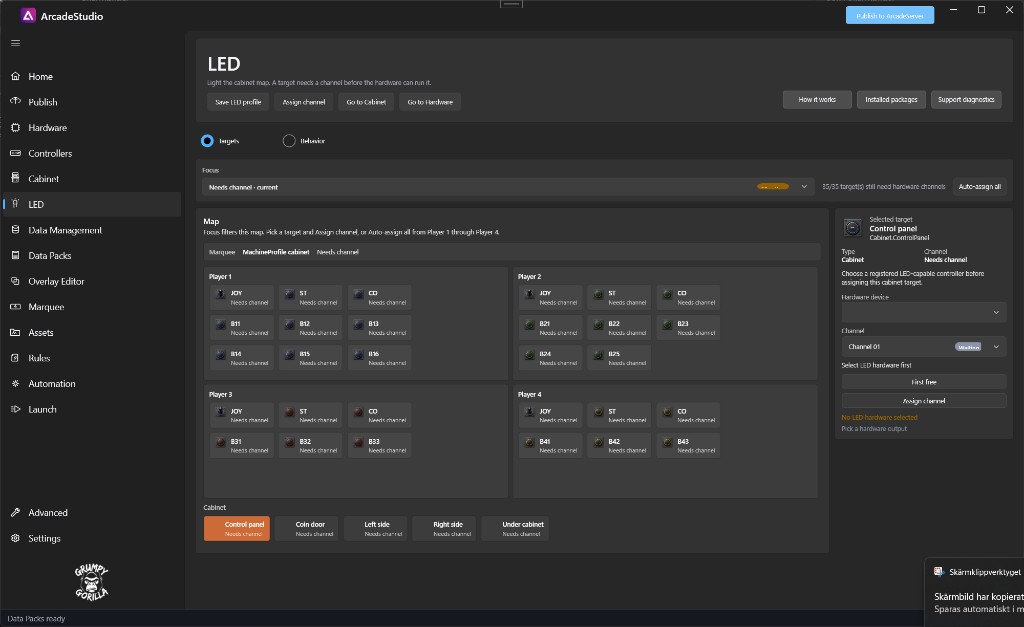
Describe player controls, cabinet zones, connected hardware, controller bindings, and LED channels before runtime depends on them.
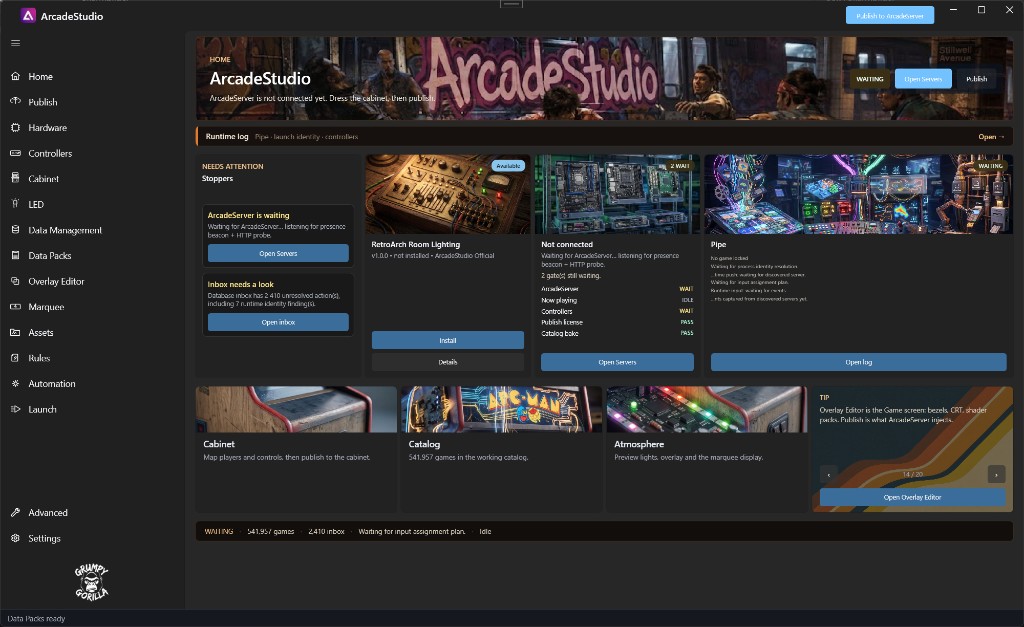
Desktop workshop for arcade cabinet owners
In development
ArcadeStudio is the desktop workshop for people who build and run arcade cabinets. Configure the machine and its content in Studio, then publish a cabinet bundle for ArcadeServer.
ArcadeServer consumes that published bundle at runtime. It does not use Studio’s editable working files as a second live catalog.
Built for the cabinet around the games
A cabinet has controls, devices, screens, lighting, media, catalog data, and launch behavior. ArcadeStudio gives those parts named workspaces and a deliberate handoff to the runtime.
Describe player controls, cabinet zones, connected hardware, controller bindings, and LED channels before runtime depends on them.
Build the working catalog, install Data Packs, review media in Assets, and make changes in the workspace that owns each behavior.
Build and validate a cabinet bundle, then let ArcadeServer install and run that published state instead of live editor files.
How the product fits together
Work across Cabinet, Hardware, Controllers, LED, Data Management, Data Packs, Overlay Editor, Marquee, Assets, Rules, Automation, and Launch.
Publish collects the selected sections, validates the handover, installs it to the chosen server, and verifies the active state.
The cabinet consumes the active published bundle. Unsaved or unpublished Studio changes stay out of the live session.
Cabinet foundation
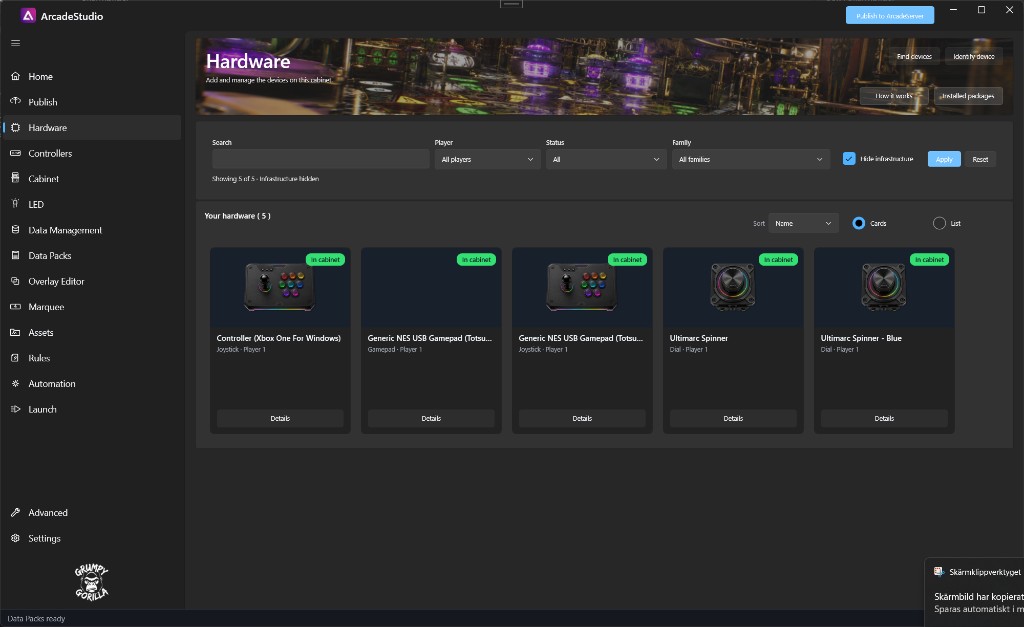
Cabinet maps player controls and cabinet zones. Hardware registers devices against cabinet and player roles, while Controllers owns the input bindings that ArcadeServer later applies.
Hardware and inputs
Hardware separates detected devices from the roles you choose for the cabinet. Controllers then maps physical inputs and provides a server-side test path for the published assignment.
Catalog and Data Packs
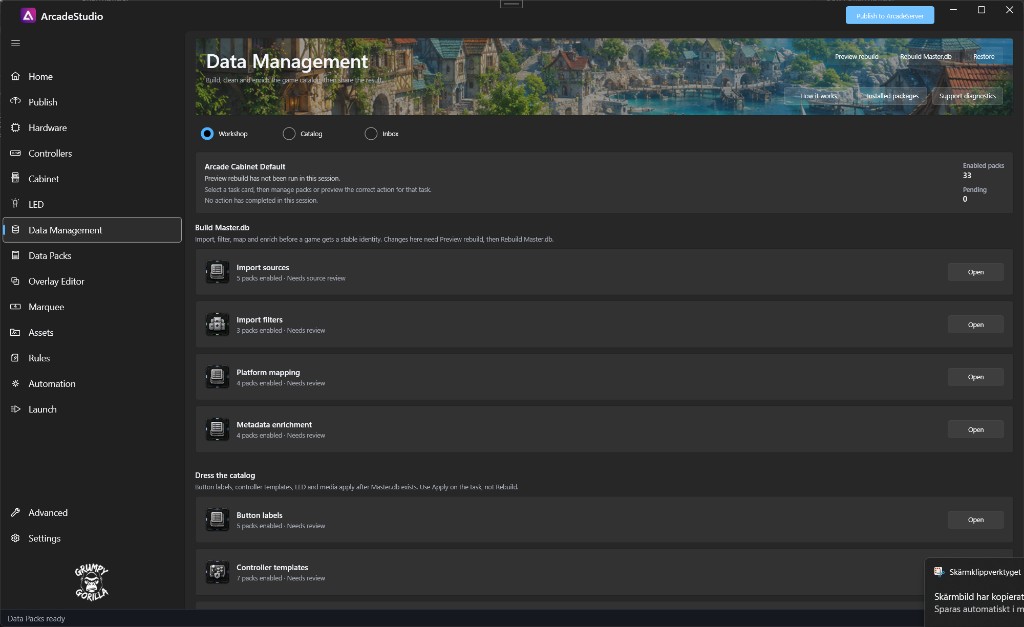
Data Management owns the working Master.db, catalog corrections, enrichment, and unmatched-launch Inbox. Data Packs installs reusable content, but installation is not the same as enabling, rebuilding, mapping, turning an Automation flow Live, or publishing.
Presentation and decisions
Overlay Editor owns shader-overlay setup, scene design, preview, profiles, and assignments. Rules resolves the published decision stack. Studio preview and editor state are design tools—the cabinet continues to use its last published configuration.
Runtime behavior
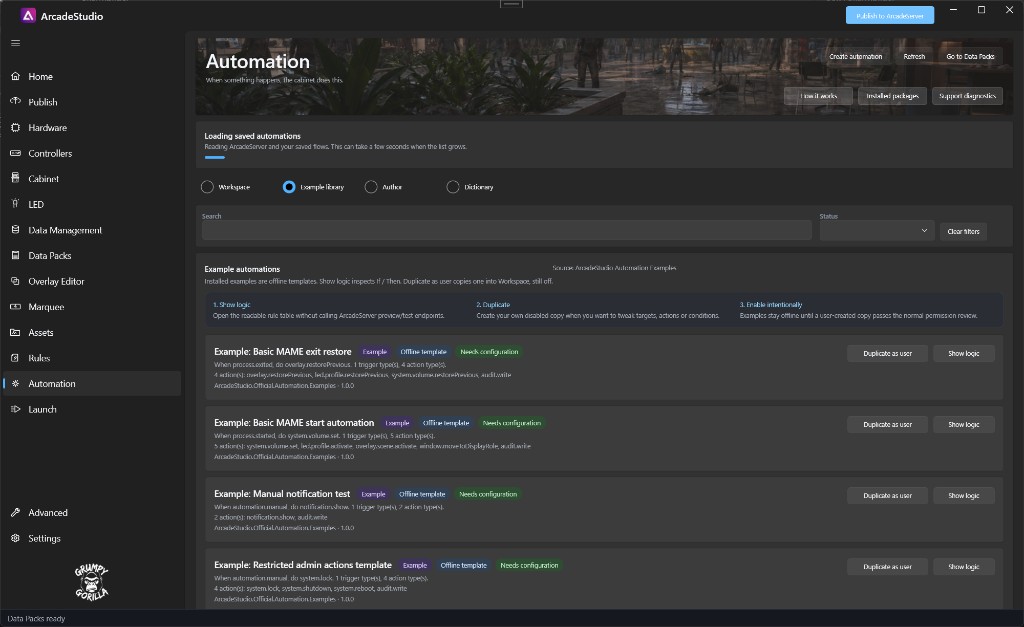
Automation provides If / Then authoring, installed examples, and a Live state. Assets holds media, Launch holds launch profiles, and ArcadeServer runs the enabled and published result rather than using those Studio pages as a live control surface.
Studio-to-cabinet handoff
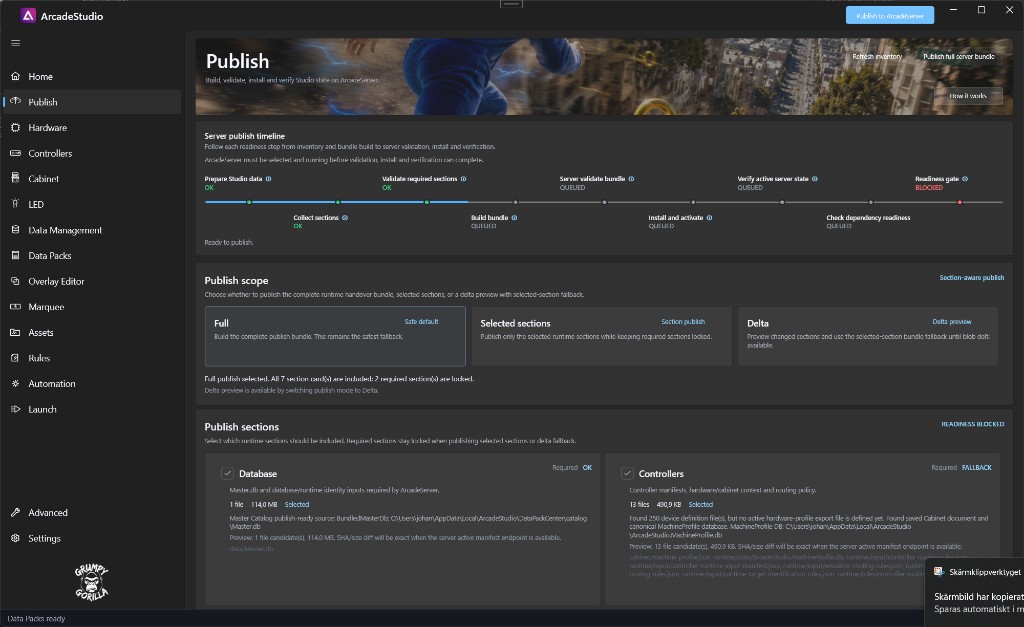
Publish prepares Studio data, validates required sections, builds the bundle, installs and activates it on ArcadeServer, then checks runtime readiness. ArcadeServer opens the published copy of the catalog and runtime configuration; it does not treat Studio’s live working files as another runtime catalog.
Verified workspaces
These development-build screenshots are captioned with the workspace they actually show.
Documentation
The verified setup-to-publish loop.
Map player controls and cabinet zones.
Assign, map, publish, and test inputs.
Build, inspect, correct, and publish the catalog.
Install content, then complete its activation step.
Design, preview, assign, and publish overlays.
Understand overrides and the published runtime snapshot.
See what runs on the cabinet and where its data comes from.
Current status
ArcadeStudio does not currently have a verified public release, installer URL, release date, pricing, or published licensing terms on this site. The screenshots and documentation describe a development build.
Questions can go to contact@grumpygorilla.app.
Read the release statusBuild with the facts we have now
Use the documentation to understand the current development build, then follow News for public updates from Grumpy Gorilla.